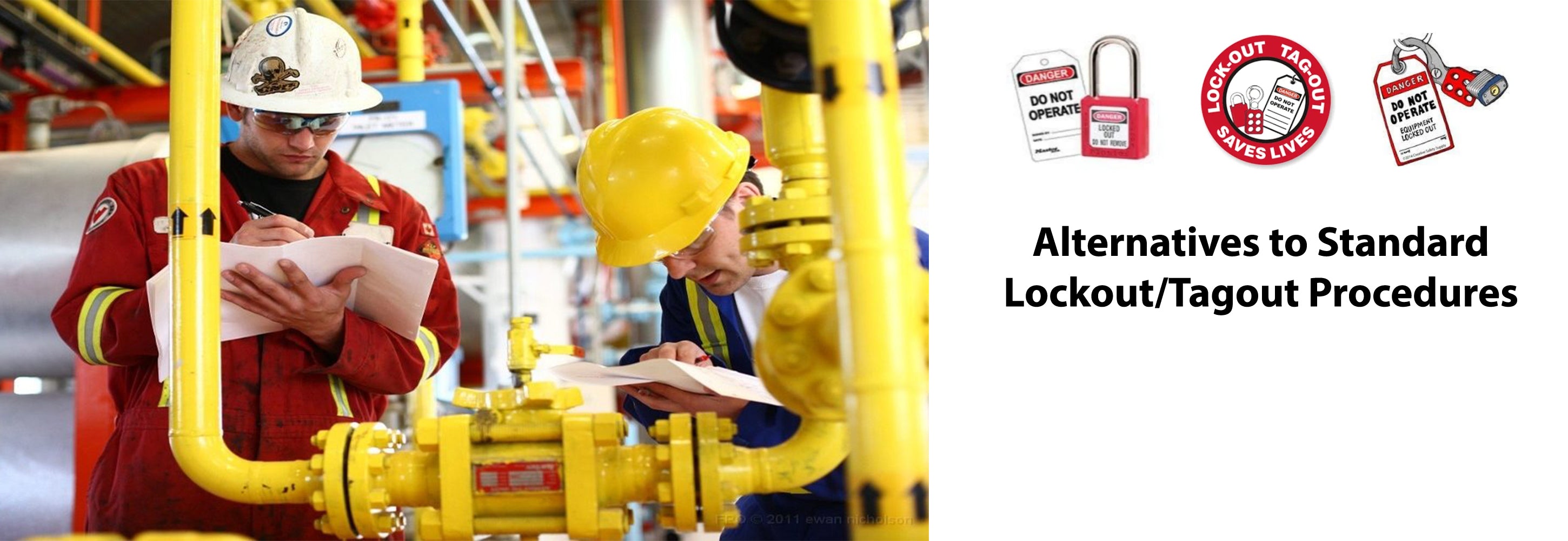
Equipment maintenance should never come at the cost of worker safety. Yet every year, hundreds of preventable injuries occur during servicing and repair of machinery—most tied to the improper control of hazardous energy. At the core of preventing these incidents lies one critical document: the lockout tagout procedure form. This isn’t just paperwork—it’s a legally required, life-saving blueprint that ensures machines are safely de-energized before work begins.
If your facility lacks standardized LOTO forms—or worse, relies on generic templates with no real-world applicability—you’re not just risking non-compliance. You’re gambling with human lives.
What Exactly Is a Lockout Tagout Procedure Form?
A lockout tagout procedure form is a written, site-specific document that details the exact steps required to isolate energy sources from machinery before maintenance or servicing. It’s not a one-size-fits-all checklist. It’s a tailored guide for a specific machine or process, mapping out how to shut down, isolate, lock out, and verify the absence of hazardous energy.
Think of it like a surgical checklist for industrial equipment. Just as a surgeon wouldn’t operate without confirming anesthesia and sterilization, a technician shouldn’t service a conveyor belt without confirming lockout status via a proper LOTO form.
These forms typically include: - Equipment identification (name, ID number, location) - Type and source of hazardous energy (electrical, hydraulic, pneumatic, thermal, etc.) - Sequence of shutdown and isolation steps - Specific lockout points (valves, breakers, disconnects) - Authorized employee responsibilities - Verification method (testing, measuring, observation) - Sign-off sections for application and removal of locks
Without this form, lockout becomes guesswork—and guesswork kills.
Why One Generic Template Doesn’t Work for All Machines
Many companies fall into the trap of using a single master LOTO form for multiple machines. This approach violates OSHA 1910.147, which mandates that procedures be machine-specific. A forklift’s hydraulic system, a press brake’s flywheel, and a boiler’s gas line each pose different risks and require different isolation methods.
Example: A packaging line might use electrical, pneumatic, and mechanical energy. The LOTO form must list all three, identify each disconnect point, and specify that residual pressure in air lines must be bled before locks are applied. A generic “equipment shutdown” form that only mentions electrical isolation would miss critical steps—and leave a technician exposed.
Common mistake: Copying procedures from one machine to another “to save time.” This leads to incomplete energy control, especially with complex or multi-energy systems.
The solution? Develop individual LOTO forms for every major piece of equipment—especially those with multiple energy sources or high-risk potential.
Key Elements of an Effective Lockout Tagout Form
A strong LOTO form isn’t just compliant—it’s clear, actionable, and designed for real-world use under pressure. Here’s what every high-performing form includes:
#### 1. Clear Equipment Identification - Machine name, model, serial number, and physical location - Unique identifier (e.g., “Conveyor Line 3 – Infeed Section”)
#### 2. Energy Source Breakdown - List each energy type (electrical, hydraulic, etc.) - Include both primary and secondary sources (e.g., spring tension, stored pressure)
#### 3. Step-by-Step Isolation Sequence - Shutdown: Normal shutdown process - Isolation: Physical disconnection (e.g., open circuit breaker, close valve) - Application: Attach lock and tag at each point - Verification: Confirm zero energy (test start, check pressure gauges)
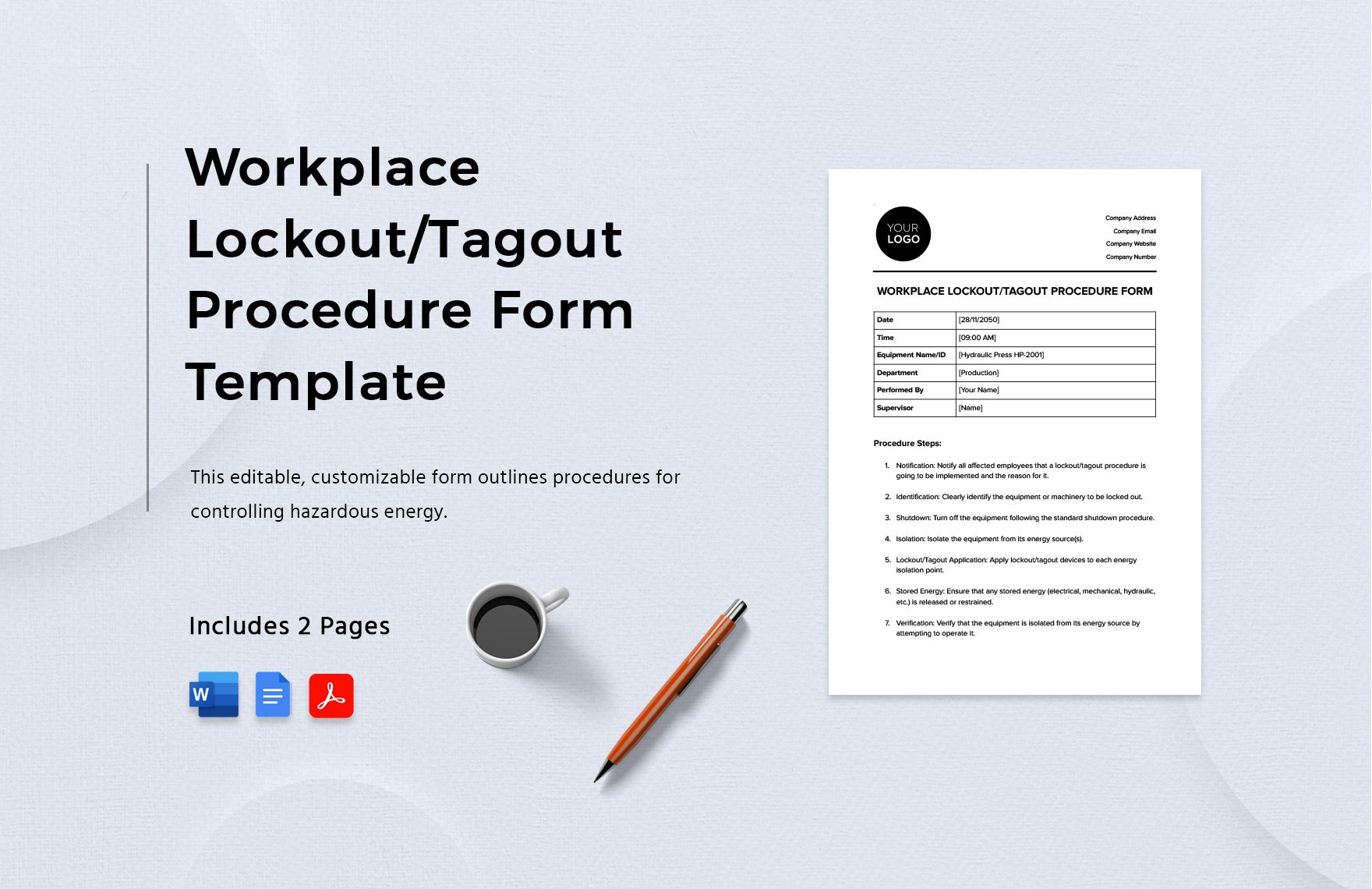
#### 4. Visual Aids (When Helpful) - Diagrams showing lockout points - Photos of control panels with key locations marked
#### 5. Sign-Off Sections - Authorized employee name and signature - Date and time of lock application and removal
#### 6. Emergency Unlock Procedures - Limited access steps for unexpected situations - Requires supervisor approval and documented reason
A well-designed form should take no more than 2–3 minutes to complete and be understandable at a glance—even under stress.
Common Mistakes That Undermine LOTO Form Effectiveness
Even with forms in place, failures happen. Here are the most frequent pitfalls:
1. Using Outdated or Incomplete Forms Equipment gets upgraded. New valves are added. Control panels change. Yet LOTO forms remain unchanged. Always review and update forms after equipment modifications.
2. Inadequate Training on Form Use An authorized employee must understand not just how to read the form—but how to verify energy isolation. Too often, workers assume “locked = safe” without testing.
3. Skipping the Verification Step This is the most dangerous gap. Lockout isn’t complete until you test. A motor that won’t start might still have live terminals. A closed valve might leak. Verification is non-negotiable.
4. Poor Form Accessibility If the LOTO form is buried in a binder or saved on a password-protected drive, it’s useless during a shutdown. Keep printed copies at or near the machine, or use digital systems with offline access.
5. Over-Reliance on Tags Without Locks Tags alone don’t secure energy. They’re warnings. Locks are the physical barrier. A tag without a lock is compliance theater.
Integrating LOTO Forms into Daily Workflow
A form sitting in a folder does nothing. It must be part of your maintenance culture.
Best Practice: Pre-Job Briefings Before any maintenance, the authorized employee reviews the LOTO form with the team. Walk through each step. Confirm lockout points. Assign responsibilities. This isn’t bureaucracy—it’s accountability.
Digital Integration Many modern facilities use tablet-based LOTO systems where technicians pull up the correct form, check off steps, and upload photos of applied locks. This creates an audit trail and reduces errors.
Example Use Case: At a food processing plant, a technician prepares to unclog a frozen slurry pump. She pulls up the digital LOTO form on her tablet, confirms the electrical disconnect and isolation valve locations, applies her lock, tests the start button, and documents the process. The supervisor gets a real-time alert. The work proceeds—safely.
Sample Lockout Tagout Procedure Form (Simplified)
Machine: Hydraulic Press – Model HP-2000 Location: Production Floor, Zone B
Energy Sources: - Electrical: 480V main disconnect (Panel 4B) - Hydraulic: Pressure reservoir (valve HV-7) - Mechanical: Flywheel inertia
- Steps:
- Shut down via control panel emergency stop.
- Close hydraulic isolation valve (HV-7), bleed residual pressure.
- Open electrical disconnect at Panel 4B.
- Apply personal lock and tag to disconnect and valve.
- Attempt to start machine using control panel (verify no motion).
- Confirm pressure gauge reads zero.
Verification Method: - Visual check of disconnect status - Test start procedure - Pressure gauge reading
Authorized Employee: [Signature/Initials] Date/Time Applied: ______________ Date/Time Removed: ______________
This isn’t a template to copy. It’s a model of clarity and precision—what every LOTO form should strive to be.
Top Tools and Platforms for Managing LOTO Forms
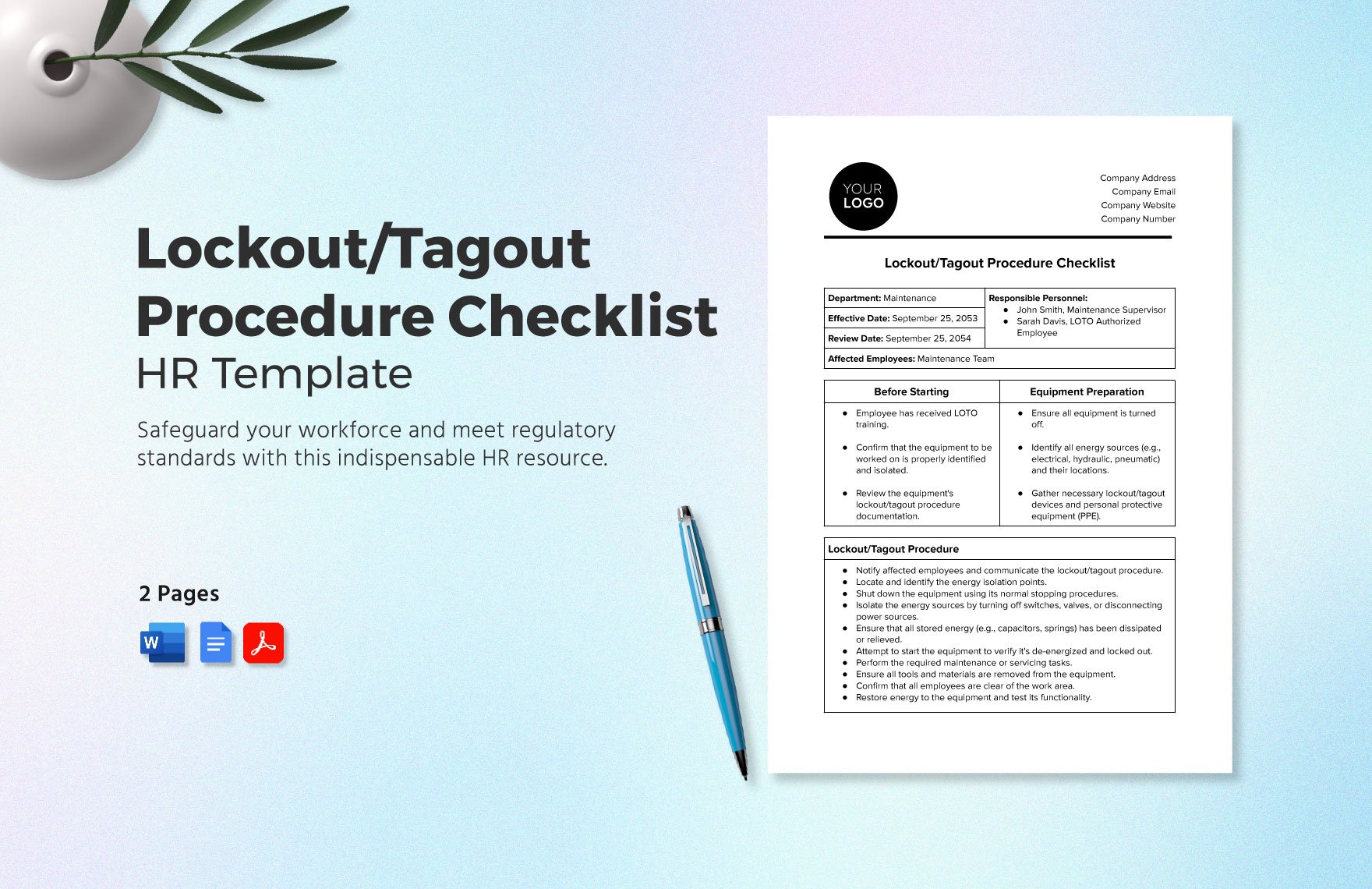
Managing dozens or hundreds of LOTO forms manually is inefficient and error-prone. These platforms help streamline creation, access, and compliance tracking:
| Tool | Key Features | Best For |
|---|---|---|
| iAuditor by SafetyCulture | Mobile LOTO checklists, photo documentation, real-time reporting | Facilities wanting digital audit trails |
| Lockout Tagout Solutions (LOTO-SOL) | Form builder, employee training modules, compliance tracking | Medium to large manufacturers |
| EHS Insight | Integrated LOTO workflows, asset-specific procedures, reporting | Enterprises with complex safety programs |
| FACILITechnology | Visual LOTO maps, lockout station integration, mobile access | Plants using lockout stations |
| ProProfs LOTO Generator | Template-based form creation, customizable fields | Small businesses needing quick setup |
Choose a tool that fits your scale and workflow. The goal is to make compliance easier—not more complicated.
Making LOTO Forms Part of a Living Safety System
A lockout tagout procedure form isn’t a static document. It should evolve with your equipment, workforce, and safety goals.
Annual Review: Schedule a yearly audit of all LOTO forms. Verify accuracy, update diagrams, and retrain employees.
Post-Incident Review: If a near-miss or injury occurs during maintenance, revisit the form. Was it unclear? Incomplete? Missing a critical step?
Employee Feedback Loop: Technicians on the floor know the machines best. Invite them to review and suggest improvements to LOTO forms. Their input often reveals gaps engineers miss.
A living LOTO program doesn’t just prevent fines—it builds a culture where safety is visible, actionable, and trusted.
Final Takeaway: Precision Saves Lives
A lockout tagout procedure form is more than a compliance requirement. It’s a promise—a written guarantee that no one will service a machine without confirming it’s truly safe.
Don’t settle for vague, generic forms. Don’t assume training alone is enough. Build clear, machine-specific procedures. Keep them accessible. Enforce verification. Review them regularly.
In high-risk environments, details aren’t just important—they’re the difference between a routine repair and a life-altering injury.
Start today: Audit one critical machine. Write or update its LOTO form. Walk through it with your team. Make safety tangible, not theoretical.
Your next step? Pick one piece of equipment—right now—and ensure its LOTO form is complete, current, and ready for action.
FAQ
What should a lockout tagout procedure form include? It must list equipment details, energy sources, step-by-step shutdown and isolation steps, lockout points, verification methods, and sign-off sections for authorized personnel.
Who is responsible for completing the LOTO form? Authorized employees—those trained in energy control—are responsible for applying locks and following the form. The form itself is typically created by safety officers or maintenance supervisors.
Can LOTO forms be digital? Yes, digital forms are acceptable and often preferred. They allow for real-time updates, photo documentation, and easier audits—as long as they’re accessible during lockout.
How often should LOTO forms be reviewed? OSHA requires annual inspections. However, review should also occur after equipment changes, incidents, or near-misses.
Do all machines need a LOTO form? Any machine or equipment that requires servicing and has hazardous energy sources must have a written LOTO procedure.
What’s the difference between lockout and tagout? Lockout uses physical devices (locks) to prevent energy release. Tagout uses warning tags. Lockout is preferred; tagout alone is only acceptable if lockout isn’t feasible.
Can multiple workers use the same LOTO form? Yes, but each worker must apply their own lock (group lockout). The form should allow for multiple sign-offs and track all applied locks.
FAQ
What should you look for in Lockout Tagout Procedure Form: A Practical Guide to Safety Compliance? Focus on relevance, practical value, and how well the solution matches real user intent.
Is Lockout Tagout Procedure Form: A Practical Guide to Safety Compliance suitable for beginners? That depends on the workflow, but a clear step-by-step approach usually makes it easier to start.
How do you compare options around Lockout Tagout Procedure Form: A Practical Guide to Safety Compliance? Compare features, trust signals, limitations, pricing, and ease of implementation.
What mistakes should you avoid? Avoid generic choices, weak validation, and decisions based only on marketing claims.
What is the next best step? Shortlist the most relevant options, validate them quickly, and refine from real-world results.